Share your screen
with a link.
Anyone can watch from their browser. No download, no signup, no hassle.
Whether you need help with something on your computer, or you want to show someone what you're working on — just send a link.
Free includes remote control for one registered device
No extra app
for the person joining
Encrypted
E2E on direct connections
Browser join
no account for the invitee
Remote control
included on every plan
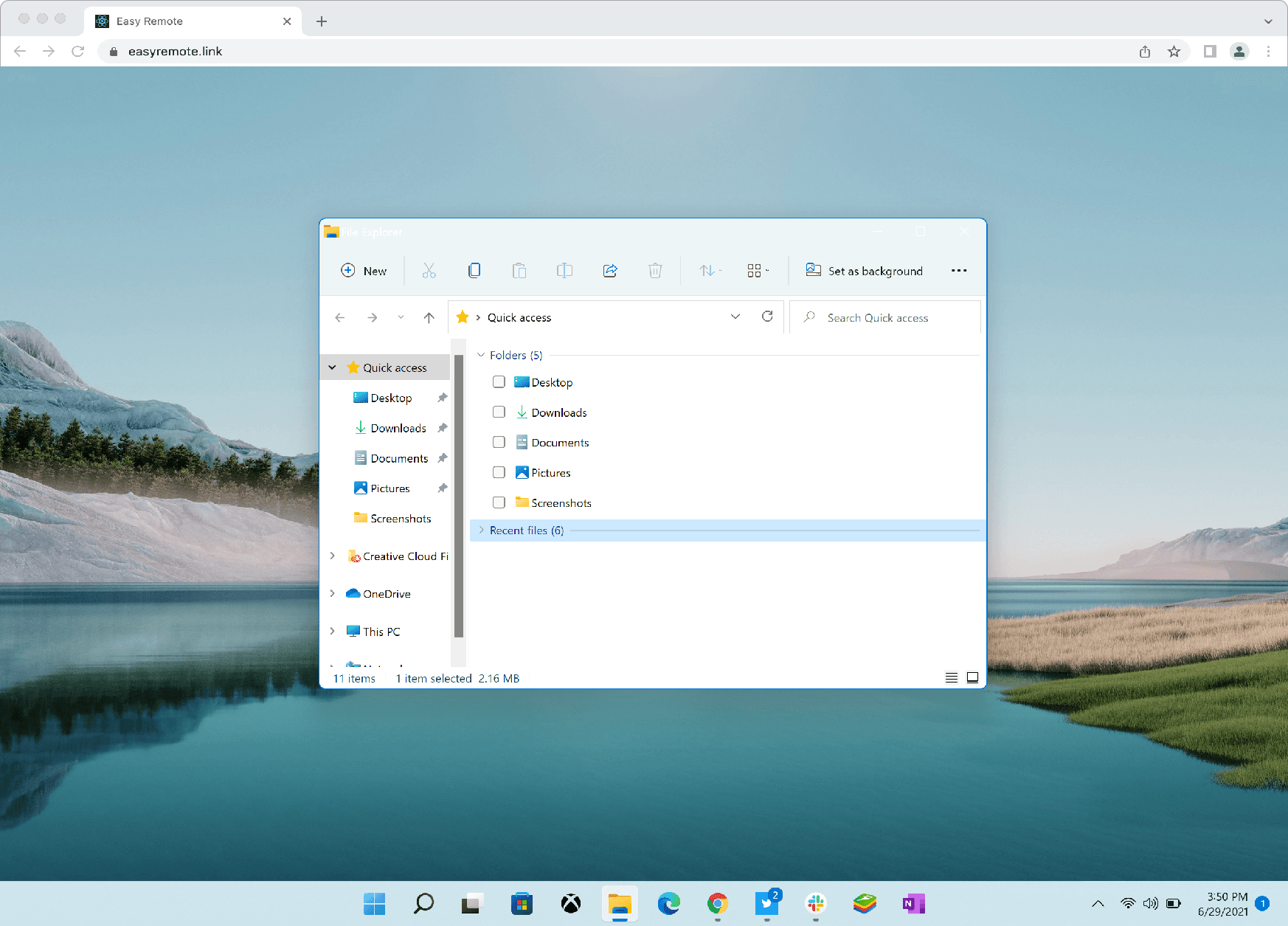
How it works
Three steps. The other person doesn't need to install anything.
Install EasyRemote
Just on your computer. The person watching doesn't need to install anything.
Click "Share Screen"
We generate a unique link for your session. Copy it.
Send the link
They open it in any browser and instantly see your screen. That's it.
Fast by design
Direct P2P sessions reduce relay overhead for smoother screen sharing and more responsive remote help.
Effortless access
Start a session with a link and let others join from their browser without complicated setup.
Private by default
Sessions stay off third-party relays whenever possible, reducing exposure and giving you more control.
Who uses EasyRemote
Anyone who needs to show someone their screen — without the friction.
Get tech help from a friend
Share your screen so they can see exactly what's wrong — no more "click the start menu and tell me what you see".
Show your work to clients
Walk them through your design, document, or prototype — live and interactive.
Teach someone something
From "how to use Excel" to "how to install a printer" — show, don't tell.
Quick collaboration
A 5-minute screen share without scheduling a Zoom meeting.
Help your parents
Or get help from your tech-savvy kid. They send a link, you watch.
Anything you'd screenshot
But better — they see it live, in motion, with sound.
Frequently asked questions
Quick answers to common questions
No. The receiver just clicks the link and watches in their browser. Only the person sharing needs to install EasyRemote.
Yes. EasyRemote uses end-to-end encryption when devices connect directly (peer-to-peer). When a relay is needed for connectivity, traffic is still encrypted in transit and our servers cannot see your screen content.
No. They just click the link. No signup, no login, no email required.
Yes. Remote control is included on every plan. A connection requires the current Device ID and Access Code shown in the EasyRemote app.
TeamViewer is built for remote IT control — both sides install, sessions are persistent. EasyRemote is built for quick, link-based screen sharing where the other person needs zero setup. Zoom is a video meeting tool with screen share as a side feature; EasyRemote is purpose-built for screen sharing — no meeting room, no scheduling, just a link.
Native apps for Windows and macOS are available now. Linux is in active development — follow product updates for availability news.
Yes. The Free plan includes remote control for one registered device. Pro supports up to five registered devices, and Team supports up to 20.
Yes, cancel anytime from your account settings — no questions asked. We also offer a 30-day refund. See our Refund Policy for details.
Ready to make remote help easier?
Share a link, start a session, and solve problems faster with EasyRemote.